
Choose a size
Low, Medium or High. Or an exact target size with Pro.
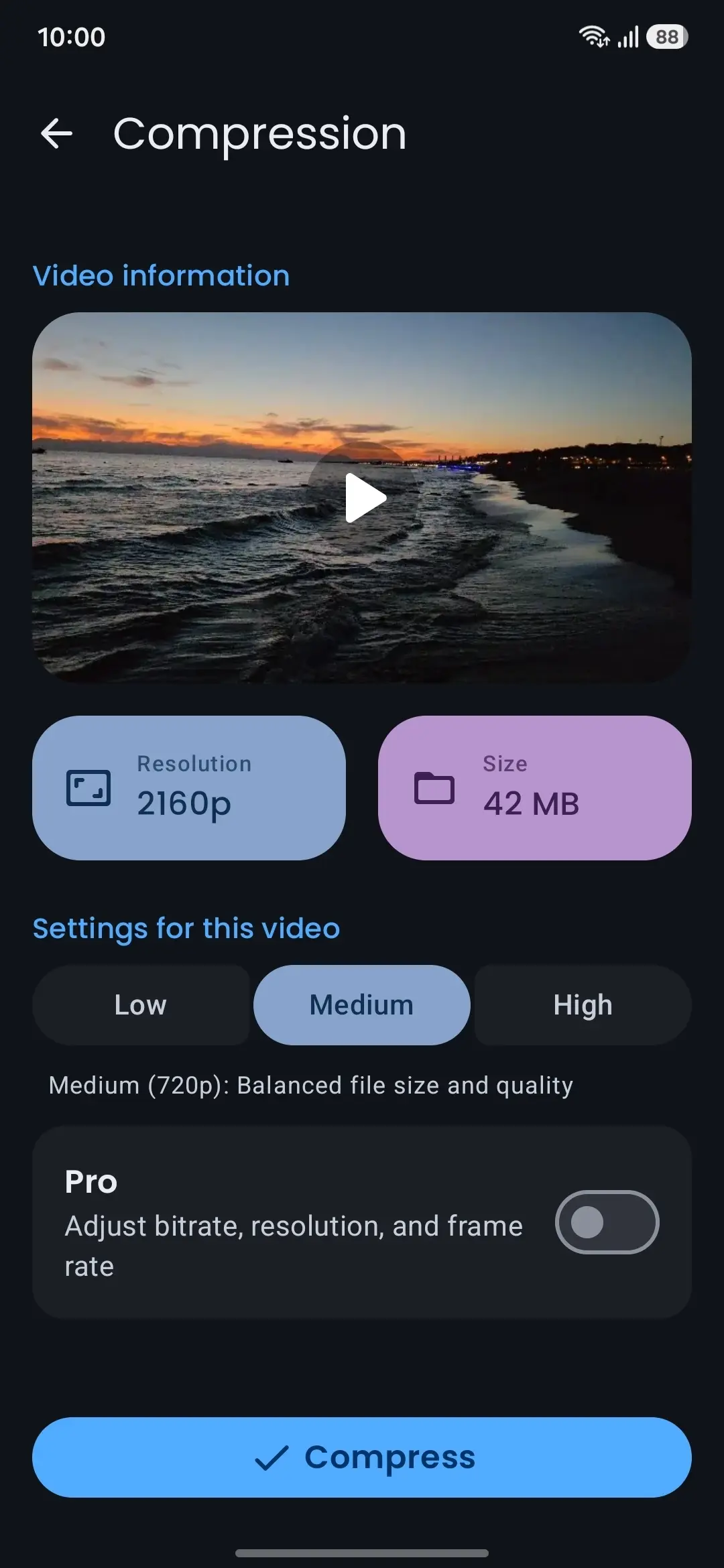
Squeezio compresses videos right on your Android phone, so they are easier to share.
Low, Medium or High. Or an exact target size with Pro.
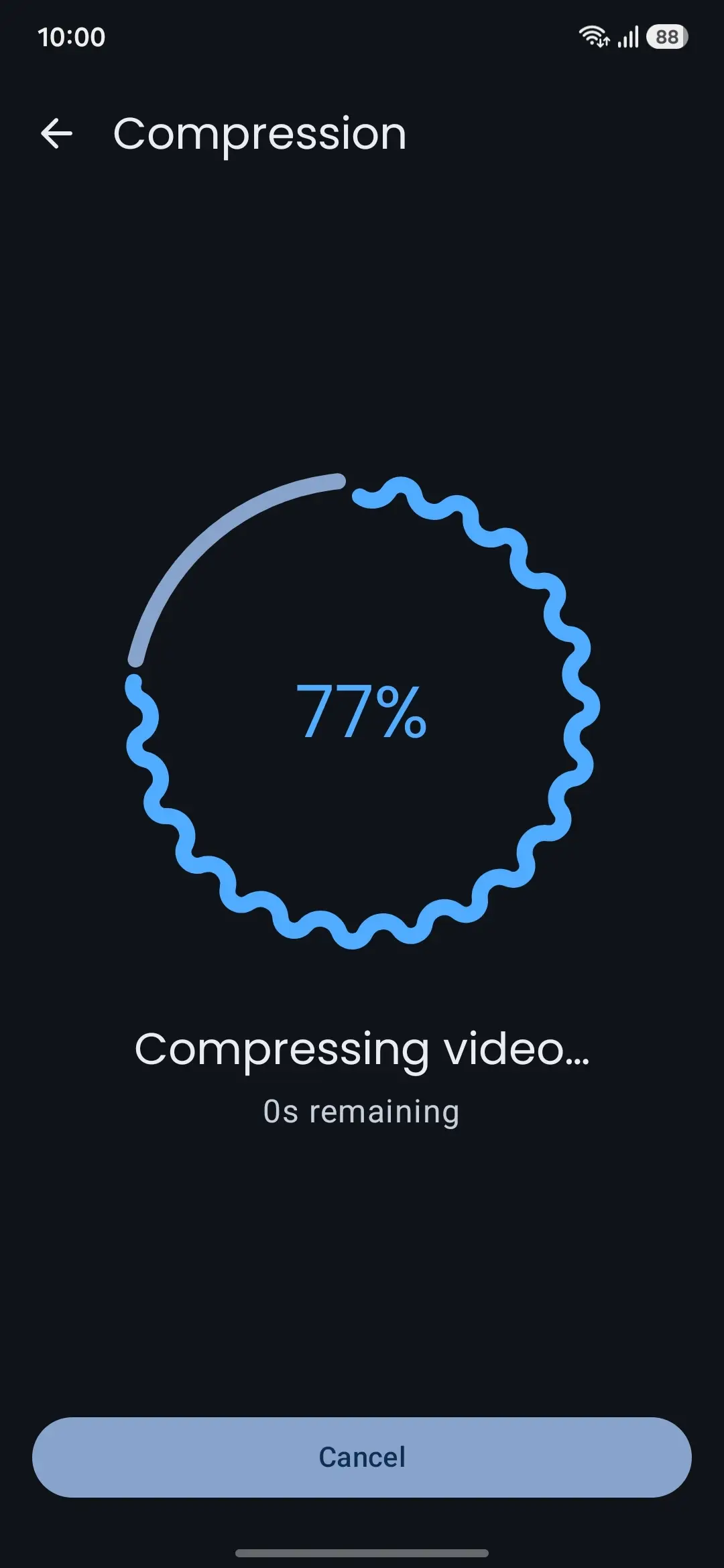
It runs in the background and notifies you when it is done.
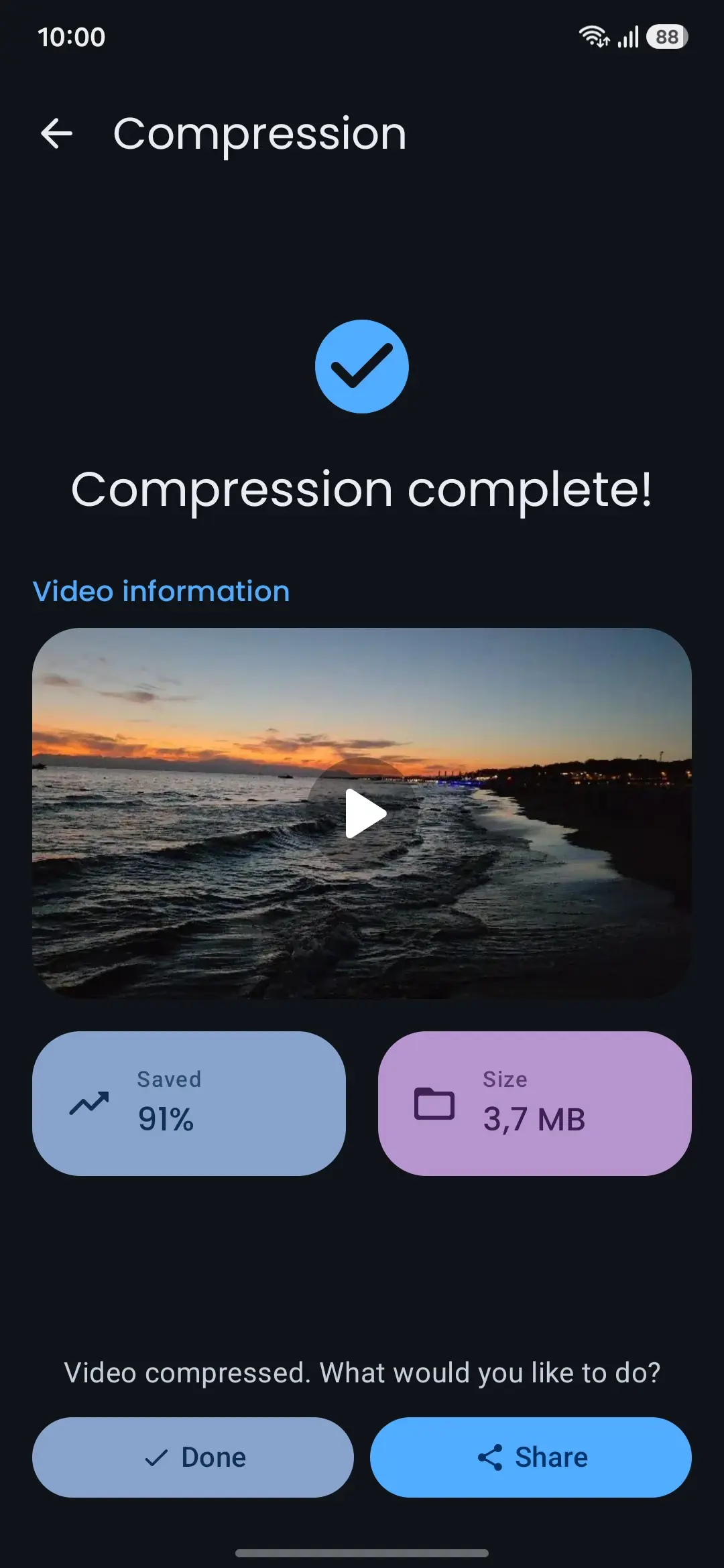
Saved to the folder you choose. Your original stays untouched.
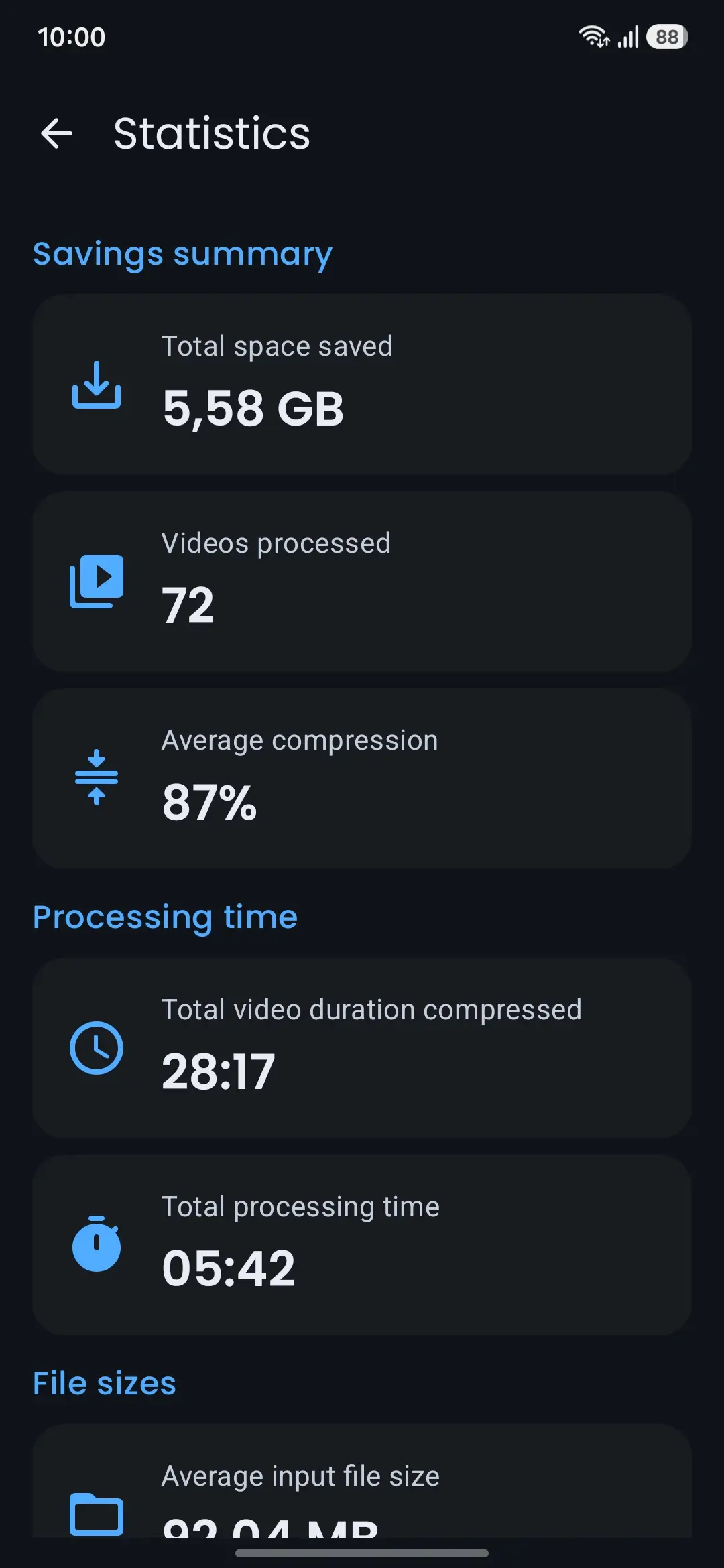
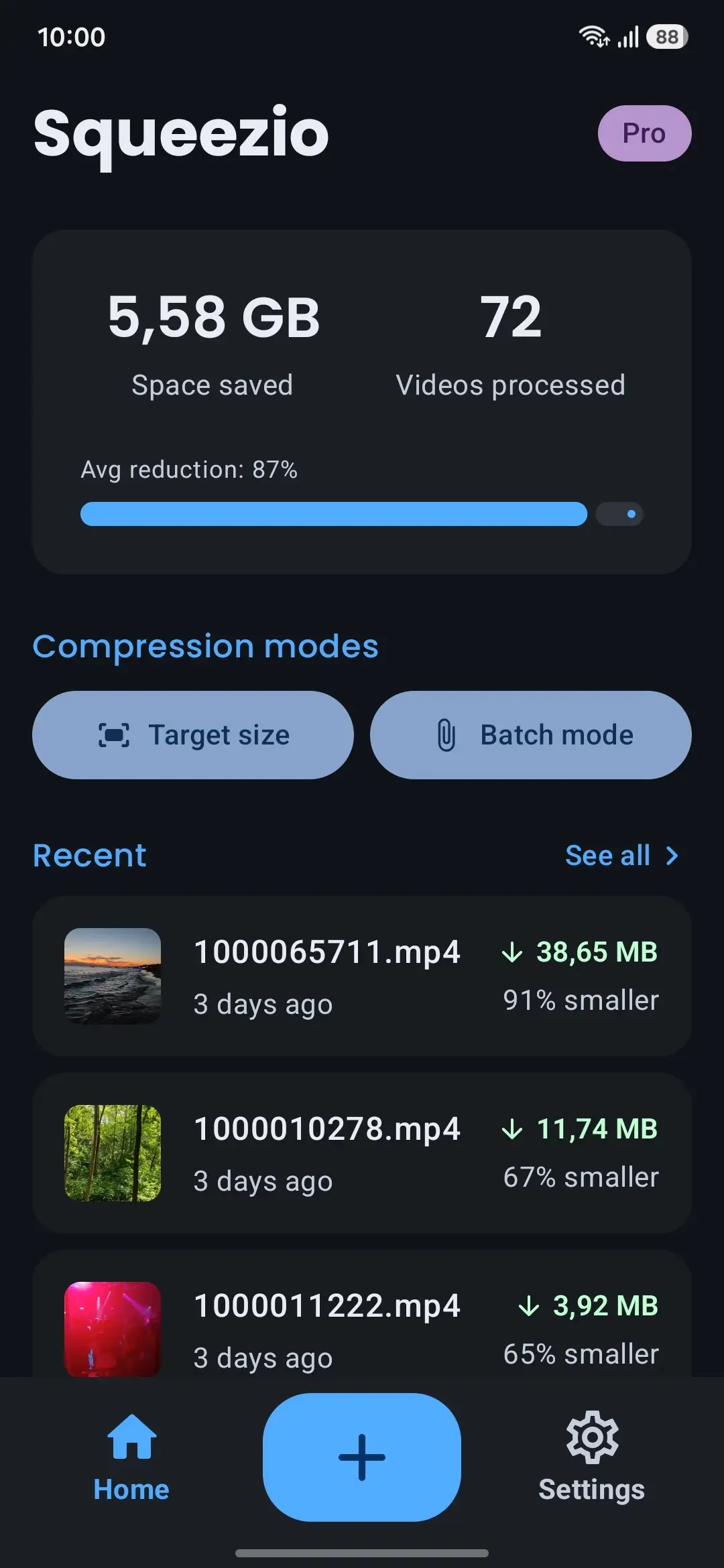
History lists each compression with its new size and how much smaller it got.
Delete an entry and Squeezio removes the record, and the output file where it can.
Three sizes, one tap. Squeezio keeps the result within your video's original resolution.
Set the file size you need for wherever the video is going.
Compression runs on the device and works offline. No uploads, no account, no ads.
Read the privacy policyCompression trades some detail for a smaller file, and how much depends on your video and preset. Your original stays untouched, so you can compare both and keep the one you like.
Compression never changes your original, so a video that cannot get smaller is still there as it was.
Squeezio reads the common formats your phone can play and saves a new file, normally an MP4. AVC works on every phone; HEVC and AV1 depend on what your phone supports.
No. Squeezio is an Android app.
Get Squeezio for Android. Free to start.